
How the Richmond County Court Calendar Works
Richmond County gives people three ways to check a court date. The North Carolina eCourts Portal offers Search Hearings. It also adds a hearing block inside each Case Summary. The Richmond County court page posts separate civil and criminal calendars. And the Richmond County Clerk of Superior Court handles questions the screens cannot settle. Each channel does a different job. The Portal tracks the active case and its next hearing. A calendar is just a published session list. The clerk is the one to call about a missing case, a confusing entry, or how local rescheduling works.
Never treat a stale calendar as the last word on a pending setting. North Carolina's Court Dates guidance sends anyone with a missed date or a closure-related rescheduling question straight to the local clerk. When you have the case number, pull up the Case Summary first. Read the hearing detail for what is actually scheduled now. Then check the matching civil or criminal county calendar. That order keeps a historical setting from being mistaken for a live one.
Richmond County Court Search Hearings
Search Hearings is the Portal's tool for finding where and when a matter is currently set. The official guide starts from a location and hearing type. It then narrows through a chosen search type, criteria, and date range. A case number is usually the fastest criterion. The form also accepts party name, business name, attorney name, attorney bar number, judicial officer, and courtroom. One caution: the courtroom list is statewide. So filter by room only when you know the specific courtroom.
| Search Hearings field | How it is used |
|---|---|
| Location | Select the relevant county or location, including Richmond. |
| Hearing Type | Select the type before entering search criteria. |
| Select Search Type | Choose case number, party, business, attorney, judicial officer, or courtroom. |
| Search by Criteria | Enter the matching number or name, or select the relevant official option. |
| Date From and Date To | Use a bounded date range to find the scheduled hearing. |
Before this step, the Portal's Smart Search still matters. It opens the Case Summary and its Register of Actions. Richmond moved onto Enterprise Justice, the Portal, and eFiling in October 2024. Events converted from before that go-live can show a 12:00 a.m. timestamp. That is a conversion convention, not proof of a midnight hearing.
Richmond County Court Date Lookups
When a court date matters, use every route available. Open the North Carolina eCourts Portal first. Smart Search finds the record. Search Hearings pulls the current location and time. Then compare the matching Richmond civil or criminal calendar. The state's official Court Dates page walks through both the Portal and the county-calendar route. Give the live case record more weight than a calendar published before a later reset.
- Use Smart Search to locate the Richmond record number and Case Summary.
- Open Search Hearings and select Richmond, hearing type, a precise search type, and a date range.
- Check the appropriate Richmond Civil or Criminal calendar for the published session.
- Call the clerk at (910) 419-7400 when the setting is near, missing, or inconsistent.
- Use the District Court judges line, (910) 419-7575, for a District or Family Court setting channel.
- Use the Superior judges' office and court reporter line, (910) 419-7686, for Superior-session or transcript questions.
The in-person fallback is the Richmond County Judicial Center at 105 W. Franklin St., Rockingham. It houses the unified clerk's office, court files, and public-computer access. One distinction worth knowing: a transcript request goes to the court reporter, not the clerk, so don't assume a clerk copy covers it.
Richmond County Court Calendar Routes
Richmond's two official calendar endpoints split published schedules by matter type. Use the civil calendar for civil sessions and the criminal calendar for criminal sessions. Neither replaces the Case Summary. A case can be missing from a dated list because the session, filter, or posting differs. Yet its Portal record still shows a live hearing. Match the case number, division, and date before assuming a calendar result belongs to your matter.
The official Richmond civil calendar is the source for the civil schedule endpoint. It shows the county's published civil sessions.
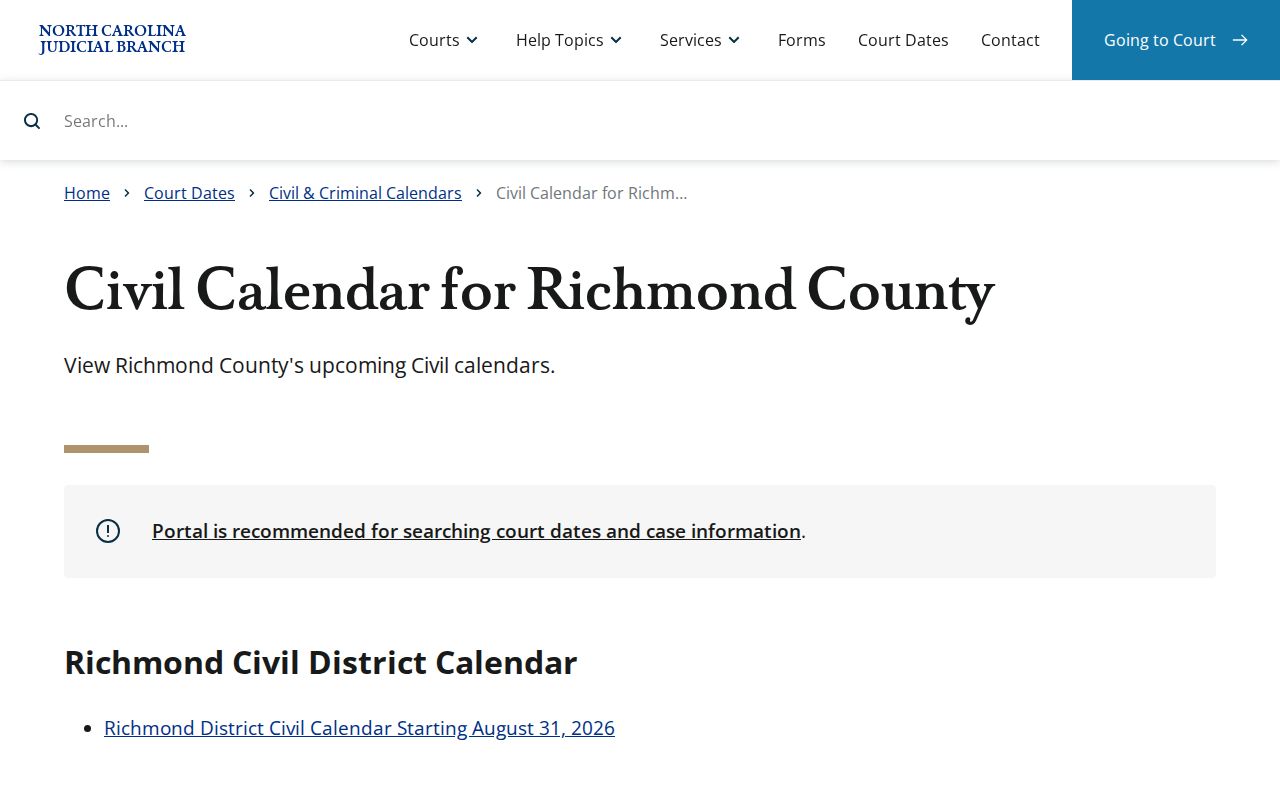
The civil view complements the Portal's hearing result. It shows the county-published civil schedule rather than replacing the record's current Register of Actions.
The official Richmond criminal calendar is the source for the criminal schedule endpoint.
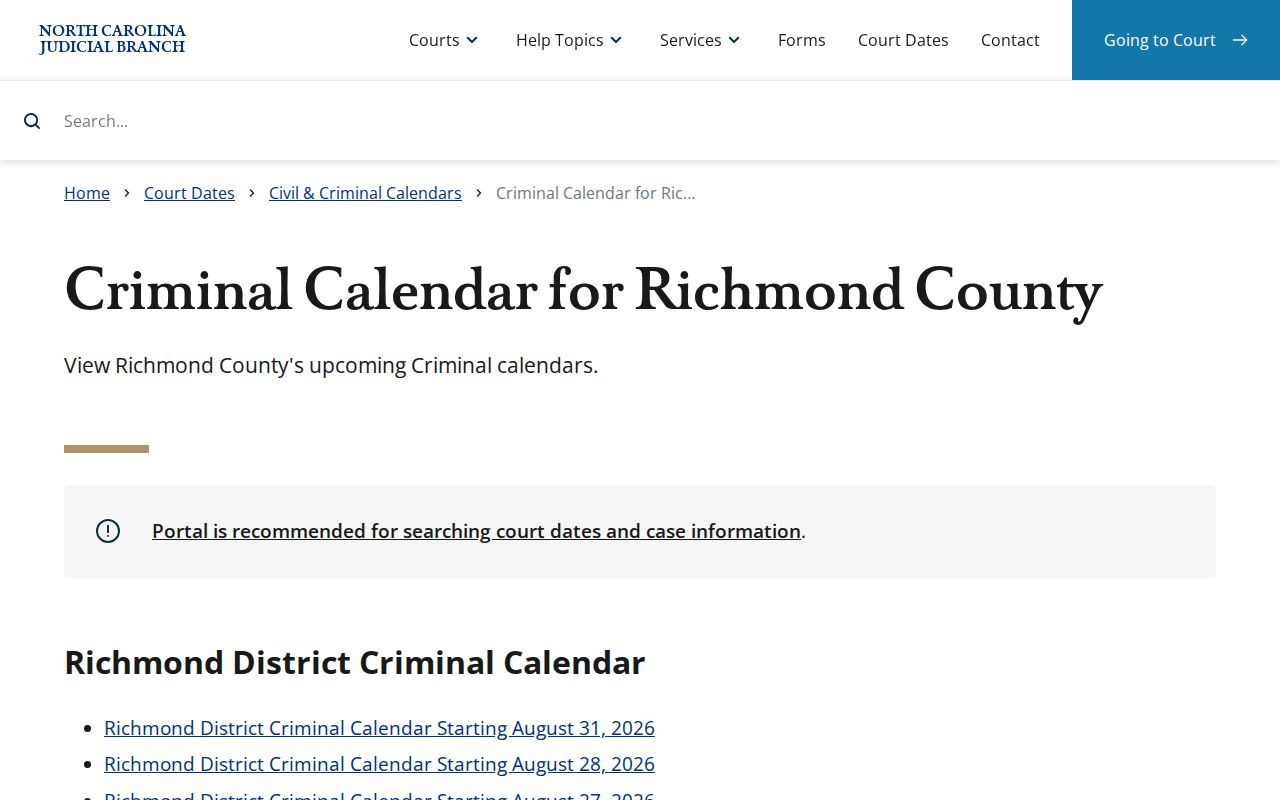
The separate criminal view helps you spot a criminal session. For a specific live setting, Search Hearings and the clerk remain the confirmation path.
Court Settings: What Each Field Means
A court setting is a scheduled event, nothing more. It does not predict how the case ends. The Portal's hearing information and the matching calendar can surface key details. But verify the record number and assignment before relying on any entry. Hearings come in many forms: motion hearings, pretrial events, arraignments, trial-related settings, and other scheduled proceedings. The local calendar form adds one more split for Superior civil matters. It separates jury, nonjury, and motion requests.
| Date | The scheduled calendar date. Confirm it through the live hearing record when it is close. |
|---|---|
| Time | The displayed start time for the hearing or setting; historical converted events may show 12:00 a.m. |
| Location | The selected county or court location, including Richmond where the case is assigned there. |
| Courtroom or officer | A courtroom or judicial-officer detail where the hearing result supplies it. |
| Hearing type | The scheduled event category, which should not be confused with a final disposition. |
The case's current assignment and latest events supply the context that matters. A displayed courtroom is no reason to skip the live hearing result, especially when statewide filtering is in play.
Richmond County Court Calendar Terms
A few Richmond scheduling words get mixed up easily. A hearing is one scheduled event that Portal returns. A calendar is broader: it lists the matters set for a session. A motion hearing is different again, a date-and-time-certain request that follows the District 21 process. When the Richmond Superior Civil Calendar Request asks whether a matter is jury, nonjury, or a motion, plus an estimated duration, those answers help the court organize the session. They do not decide the case itself.
- Hearing
- A scheduled court event displayed through Portal or a case's hearing information.
- Calendar
- A published session list that should be checked against the live case record.
- Motion hearing
- A date-and-time-certain request scheduled through the court manager or coordinator.
- Continuance or rescheduling
- A move of a setting that must be confirmed in the current docket or hearing result.
Richmond County has no published local rule covering docket call, remote appearance, or announcements. Check the current order or ask the relevant office before assuming another practice applies.
When a Court Date Moves
A continuance, reset, cancellation, or rescheduling moves a setting. It does not by itself settle the case. To see where things stand, look for a new hearing entry, a related Case Event, or a current calendar result. An old calendar date that still shows up only proves a setting was once published. It is not proof the setting is still active. When sources disagree, the dependable sequence is Portal Case Summary, Search Hearings, the matching Richmond calendar, and then the clerk. Closure-related changes and missed-date questions go to the local clerk under Court Dates guidance. No reminder program is documented, so do not presume one exists. Civil motion settings run through coordinator scheduling, not Portal self-service.
Richmond County Court Schedule Rules
The District 21 Superior civil case-management plan gives Richmond its local scheduling structure. It is shared with Anson and Scotland. The Senior Resident Superior Court Judge supervises, and the Trial Court Coordinator sets civil calendars. A civil matter can become ready to set after 120 days on file. It can also become ready after a clerk appeal or remand. Statutory priority qualifies a matter too, as does a Notice to Calendar certifying readiness. That is why a civil court date can reflect case-management conditions. A public search result never shows those conditions. Motions work differently. The local plan says to obtain a date and time certain from the court manager or coordinator. Do this before filing the notice. To land on a printed Monday-session calendar, a copy must arrive by mail, hand delivery, fax, or email. The deadline is 5:00 p.m. on the preceding Tuesday. If a party ignores a Notice of Rescheduling, the coordinator can set the matter automatically. Keep in mind these are Superior civil procedures. They are not a general rule for every Richmond case type.
Richmond County Court Record Times
Richmond moved to Enterprise Justice in October 2024, bringing legacy records into the Portal environment. One quirk came along. Portal guidance warns that events from before go-live can display a 12:00 a.m. time. That is just an imported-data convention. It does not mean the historical court event happened at midnight. It also says nothing about a current appearance time. For a pending setting, rely on the live hearing block and Search Hearings. Confirm with the clerk if anything stays unclear. The same history explains why a case may hold older paper-era material. That material may not be fully available as a document image. Portal is the current search and access route. It is not the source of a certified record, though. When exact documentation or confirmation is needed, the Richmond Clerk provides the court-file route.
Missed Settings and What Comes Next
Missed a Richmond court setting? Start with the Portal case record and Search Hearings. Then contact the local clerk about the rescheduling procedure. A criminal or traffic case may show a "called and failed" mark. That mark appears after a missed date. Guessing from a static calendar is the wrong next step. The clerk can identify the local channel. Anyone represented in the matter should also contact counsel about the scheduled case. What happens next depends on the case and on court action.
Missed a Richmond setting? A missed criminal or traffic setting can lead to a “called and failed” notation and later failure-to-appear consequences.
Use Portal and Search Hearings for the current entry, then promptly contact the Richmond County Clerk of Superior Court at (910) 419-7400.
The court's local procedure and the live case record determine whether a new setting or other court action is required.
North Carolina Court Dates guidance is the official page that directs missed-date and closure-rescheduling questions to the local clerk.
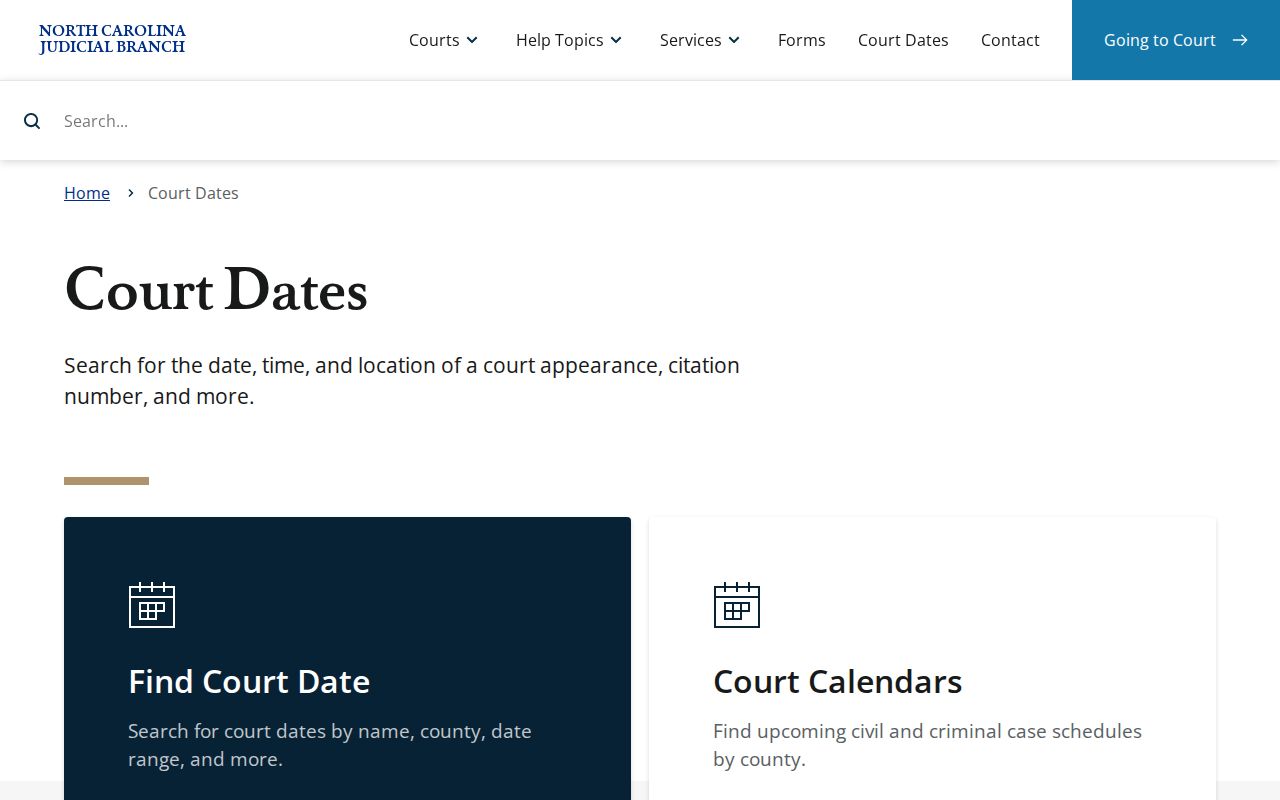
After a date has been missed or moved, prompt confirmation through current court channels beats an old Richmond County schedule entry every time.