
Name-Based Case Searches
The North Carolina eCourts Portal is where a public Richmond County case search starts. Pick Smart Search. Then enter a record number, or type a name in last-name, first-name order. A common name can pull cases from several counties. Open each result and confirm the Richmond assignment before trusting it. The detail view is the Case Summary. It is also called the Register of Actions. Think of it as the court's chronological case-information display. It does not promise that every document image is viewable.
- Open Smart Search in the North Carolina eCourts Portal and enter a last name, then a first name when known.
- Review the returned case list and select the record that identifies Richmond as the location or assignment.
- Use Advanced Filtering Options to limit a broad Richmond County case search by case type, status, or filing-date range.
- Open the record number and read its Case Summary, hearings, events, disposition, and public financial information where applicable.
| Portal field | Type | Required | Richmond search use |
|---|---|---|---|
| Record Number or Name | Text | One basic input | Enter a record number or last-first name. |
| Search Type | Dropdown | Optional advanced filter | Includes case number, business name, and citation number. |
| Location | Dropdown | Optional | Select Richmond to narrow a statewide result set. |
| Case Type and Status | Dropdowns | Optional | Use matching choices because an incompatible status can omit results. |
| Filing Date | Date range | Optional | Useful when a name produces too many Richmond County cases. |
Note: the Portal hides the month and day of birth in public results. Match on case details and location instead.
Richmond County Smart Search
Smart Search is the public search layer for Richmond County cases. The county joined Enterprise Justice, also called Odyssey, on October 14, 2024. The Portal reaches statewide, though its Richmond location filter helps when you know the county. Anyone can search anonymously. A free account saves cases, but it unlocks nothing sealed, confidential, or elevated-access. Attorneys file through Enterprise Justice / eCourts File & Serve. The Portal handles public search, hearings, documents, and eligible payments.
Common names call for care. The official guide allows a last-name wildcard after three characters. A first-name wildcard follows one character. A case-number wildcard needs at least four characters before the asterisk. The Portal caps results at 200. When that cap hits, refine the Richmond search with location, case type, status, or dates. Do not assume the missing case does not exist.
Case Number Searches
A record number is usually the most exact route to a Richmond County case. Enterprise Justice numbers have four parts. A two-digit year comes first, then a letter case type, a six-digit sequence, and a three-digit county identifier. The statewide guide's generic pattern is 21CR000003-910. Richmond's county-code list assigns 760, so a Richmond number looks like 24CR000123-760. That example shows format only. It is not a real case. It proves nothing about a particular case-type code.
Type or paste the full number into the Record Number field when you have it. A partial number works too, using the documented wildcard rule. Numbers pulled from older paperwork deserve a second look. Compare the title, participants, and location in the returned Case Summary. Historical events converted during the eCourts transition may carry a 12:00 a.m. timestamp. That is a conversion convention, not evidence of a midnight Richmond hearing.
Richmond County Case Number Anatomy
Treat a record number as an identifier, not a full case description. The year segment slots the case into the system's numbering sequence. The letter marks the Enterprise Justice case type. Six digits separate the record within that series. Then -760 routes the number to Richmond County. Details still control. A case can switch court assignment or touch both District Court and Superior Court.
- Case Summary / Register of Actions
- The Portal’s near-real-time chronology of public case information and events.
- Assignment information
- The location, court, judicial officer, courtroom, or organizational assignment shown where applicable.
- Transferred to Superior Court
- A status or event showing a division change, not a separate Richmond clerk system.
- Disposition
- The recorded outcome or status entry; its precise wording matters.
Case Search Results Explained
A Richmond County result opens with basic case information. It then adds what you need to follow the matter through court. The Case Summary can show assignment, party information, causes of action or charges, dated Case Events, hearings, dispositions, and financial information when applicable. An event is a dated docket entry. It is not automatically the underlying order or filing. Public document links may appear, but a missing image proves neither that the clerk lacks the paper nor that the event never happened.
| Case header | Record number, case information, current status, location, and assignment. |
|---|---|
| Participants | Party and attorney or participant information where public and applicable. |
| Case character | Causes of action or a criminal/infraction case type and charge context. |
| Case events | The dated Register of Actions chronology. |
| Hearings | Scheduled event information that can be checked again in Search Hearings. |
| Outcome and money | Disposition and financial information where applicable; confirm a current payoff with the clerk. |
Richmond County Common Name Filters
If the first Richmond County name search is too broad, select Richmond under Location. Then layer on a case type, a case status, or a filing-date range. Use Advanced Filtering Options. The Portal guide warns that case type and status interact. A status may not fit the chosen type. That mismatch can make a record vanish from results. Narrow gradually. Do not turn a partial public match into a conclusion until the case header and Register of Actions agree.
The Portal also masks part of a date of birth in its public display. That privacy feature makes other fields matter. Compare case information, assignment, case type, and event history. A record number from a notice, filing, citation, or prior court paper beats a name alone. The Portal Advanced User Guide spells out the official controls and filters.
Two Ways to Search: County and State
There is no standalone Richmond County search vendor. Instead, one tool covers both levels. The North Carolina eCourts Portal serves as the statewide gateway and the live online route to Richmond's Odyssey records. Want the county layer? Pick Richmond in the location filter and open the Richmond Case Summary. A statewide result can pull in other participating counties. Filtering by county keeps the focus on the local Clerk of Superior Court's case file.
| Portal use | What it covers | Best next step |
|---|---|---|
| Statewide Smart Search | Participating Enterprise Justice counties, including Richmond. | Use when the county is unknown or the name has more than one possible location. |
| Richmond-filtered Smart Search | Richmond County records returned through the same Portal. | Open the Case Summary and confirm the assignment and events. |
| Search Hearings | Current calendar information by location, hearing type, identifier, and date range. | Use after locating the case when the immediate question is a setting. |
| Clerk channel | Paper files, certification, access questions, and confirmation. | Call or visit when Portal is incomplete or a formal copy is needed. |
Richmond County Hearings After Search
A Case Summary tells you the case history. Before any hearing, though, run a second check. Use Portal Search Hearings or the official Richmond civil and criminal calendar endpoints. Search Hearings works from a Richmond location and a hearing type. It also needs a bounded date range plus an identifier such as a case number or party name. One caution: the statewide courtroom list does not promise every room listed is local. The official guide recommends knowing the specific courtroom before using that filter.
As a hearing date closes in, let the clerk confirm the setting. Reach the Richmond County Clerk of Superior Court at (910) 419-7400. The official Court Dates material points people who missed a date back to the local clerk. It also covers closure-related rescheduling information. A calendar line shows a setting, nothing more. The live docket and the clerk confirm whether it still stands.
Note: A calendar entry proves a setting existed. The live Case Summary and the clerk catch last-minute changes.
Which Cases Stay Restricted
Not every Richmond County case or document appears through Public Portal access. Sealed and confidential records stay out of reach for ordinary users. So do sensitive documents, unreturned criminal warrants, juvenile records, and protected domestic-violence Portal information. Juvenile confidentiality follows its own statutory rule. Under North Carolina law, an expunged matter can also be confidential. Keep this in mind. A failed search does not prove a case never existed. And an ordinary Portal account grants nothing beyond the public role.
The N.C.G.S. 7A-109 access framework places court records and indexes with the clerk, subject to legal exceptions. Facing a nonpublic file or an access question? Contact the Richmond County Clerk rather than working around a restriction through another search route. Public case information serves best for following a case. It also works for locating a hearing or understanding a court process.
Richmond County No-Result Steps
A no-result message can mean several things. The search may be too broad and hit the 200-result cap. A number may contain a typo. Or the matter may be restricted or paper-era. It may be newly filed, or outside the Portal's public document access. First, recheck the record number or spelling. Then apply the Richmond location filter with a compatible case type and status. For an upcoming court event, use Search Hearings. The Richmond calendar links work as a separate check.
Still nothing? Go in person to the Richmond County Judicial Center, 105 W. Franklin St., Rockingham, NC 28379. NCAOC says Clerk of Court offices provide public computers for criminal case results. The same clerk system holds the local Superior and District Court files. The clerk handles paper records, case entries, certifications, and current balance questions. Transcripts are different. For those, contact the court reporter's office at (910) 419-7686.
Richmond County Cases and Federal Dockets
State and federal records live in different systems. The Richmond County Clerk and the Portal both handle state-court filings. Federal cases sit somewhere else entirely. Richmond County belongs to the U.S. District Court for the Middle District of North Carolina. Public electronic docket access there runs through PACER. You need an account to use it. A PACER search fills a gap rather than duplicating anything local: a Richmond Case Summary will not mention a federal matter, and a Richmond court search cannot tell you whether one exists.
The Middle District posts its own access details at its PACER information page. That page explains how the federal docket route works for this district.
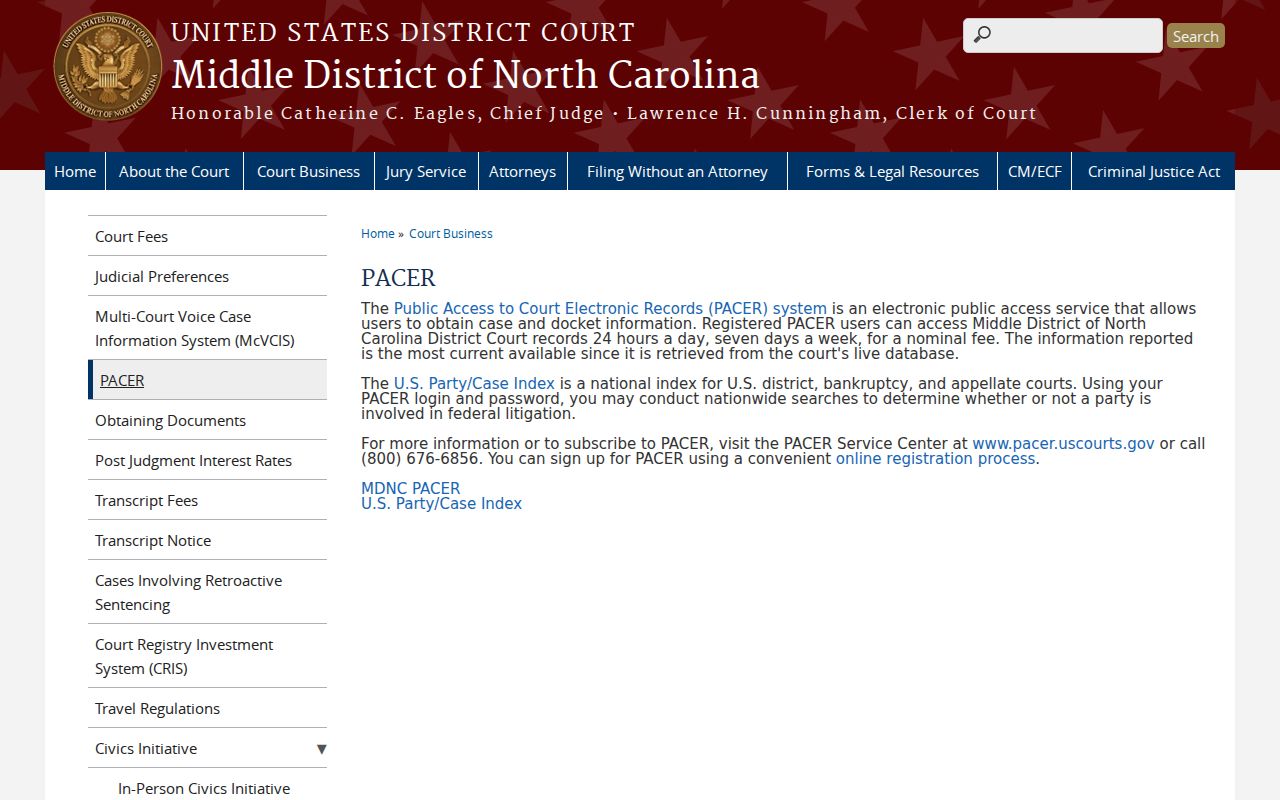
The federal path is separate. It uses federal case numbers and a different office from the Richmond County Clerk. PACER's published pricing page explains how the federal charge structure works.
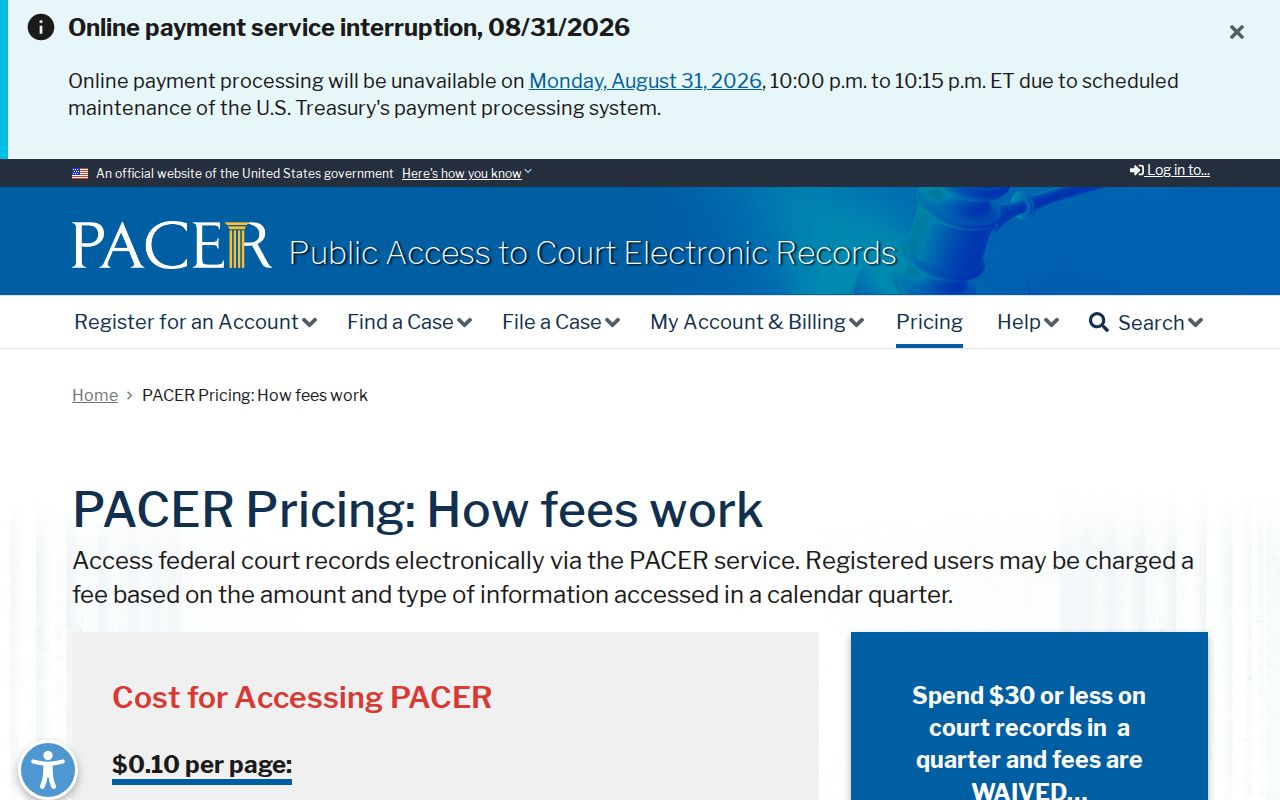
PACER's fees apply to federal docket access, not to an anonymous Richmond search in the North Carolina eCourts Portal. PACER's official home page is the entry point for federal public dockets.
Keep the two systems straight. That way the next step is clear, whether the case sits in Richmond state court or in federal court.